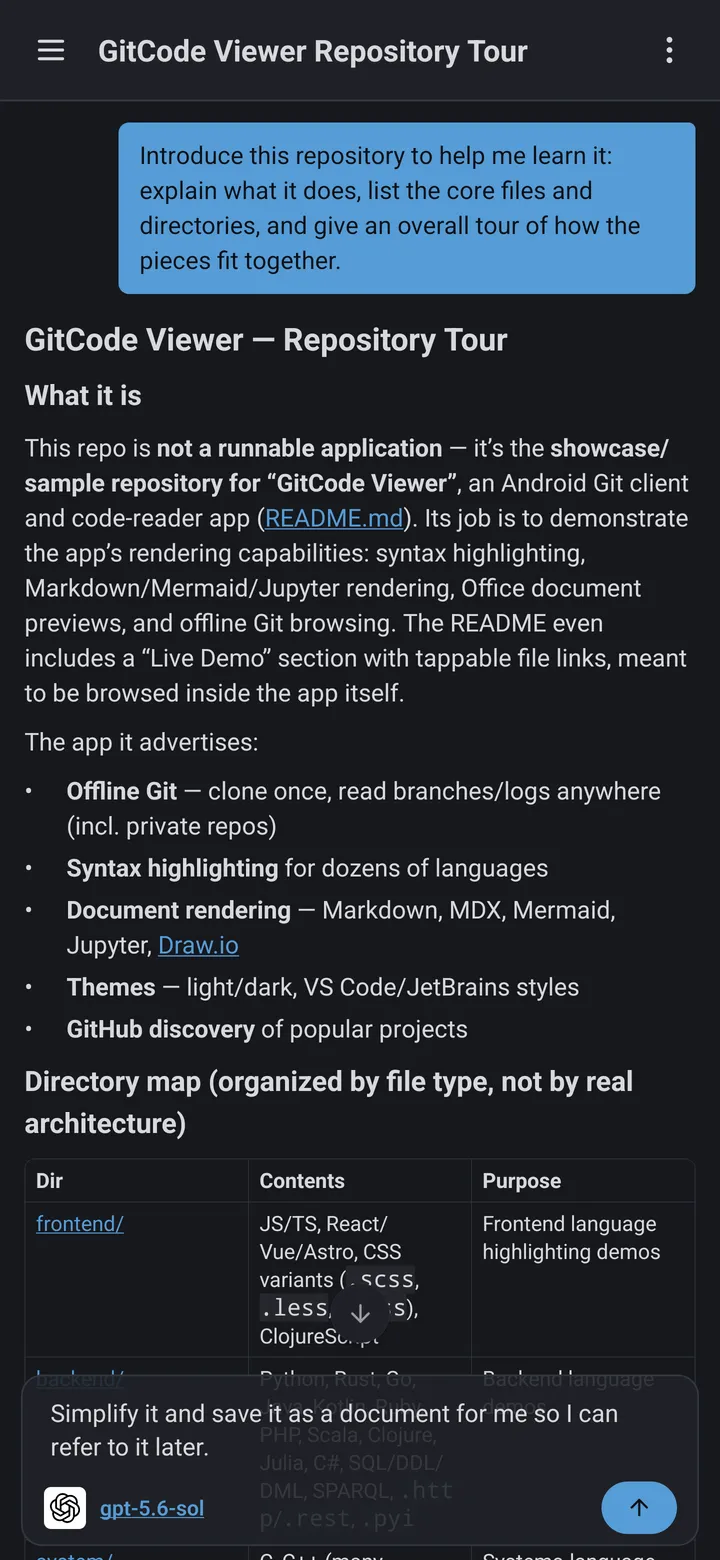
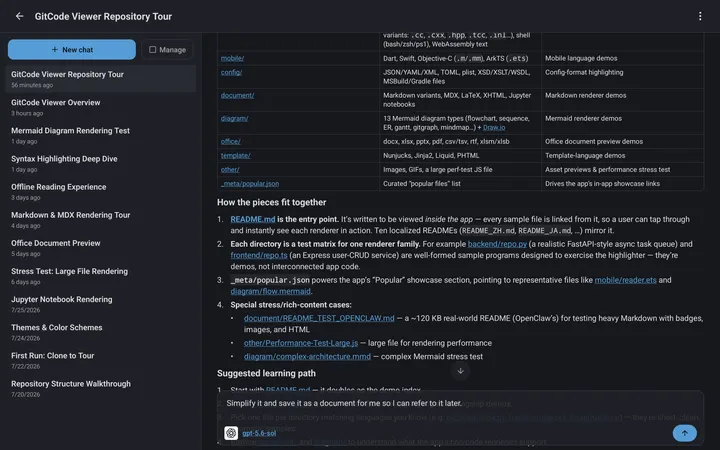
Mobile App

Code Viewer

Your IDE's reading mode - in your pocket.

Clone a repository from GitHub, GitLab, Bitbucket, or your own server, and read it like you would on your computer: syntax highlighting for 30+ languages, code outline, blame, and full history, plus instant preview for Markdown, PDF, Office documents, and Jupyter notebooks - all available offline.

See it in action

Swipe to explore

A serious reader for serious repositories

Everything is built around one goal: understanding code faster on a small screen.

Desktop-Class Git

Clone, pull, branch, log, tag, checkout, and diff - as fluid as on your computer. Shallow clone keeps huge repositories manageable.

Blame & History

Inline blame and author annotations trace every line to its commit. View any file at any revision, or check out history with one tap.

30+ Languages, Real Outline

Tree-sitter powered highlighting, outline, and symbols for 30+ languages and 10+ config formats, plus code and identifier search.

Docs, Office & Notebooks

Read PDF, Word, Excel, PowerPoint, CSV, and Jupyter files in place. Markdown renders with Mermaid diagrams, LaTeX math, and a floating TOC.

Trending & Discovery

GitHub trending and search built in - find interesting projects and clone them straight into your reading queue.

All Your Git Providers

GitHub, GitLab, Bitbucket, Azure DevOps, Gitea, Gitee, CNB, and self-hosted servers. Secure access via SSH or access tokens.

Offline-First Reading

Clone once, read anywhere. Code, docs, and full Git history stay available on a plane, a train, or a dead Wi-Fi zone.

Themes & Custom Icons

Multiple theme palettes, customizable repository cards, fullscreen reading, and alternate app icons to make it yours.

Privacy First

No analytics, no tracking, no telemetry. Traffic goes directly between your device and your Git provider.

Frequently asked questions

If you have anything else you want to ask, reach out to us.

Is GitCode Viewer free?

Free to use with no account required. Some advanced features require upgrading to the premium version.

Which programming languages and code formats are supported?

Syntax highlighting covers 30+ programming languages and 100+ file extensions. Major languages (C, C++, C#, Go, Rust, Java, Python, JavaScript, TypeScript, PHP, Bash, and more) also get code outline and symbol navigation.

Which document formats can it preview?

Markdown, PDF, Word, Excel, PowerPoint, RTF, CSV / TSV, Mermaid diagrams, and Jupyter notebooks.

Which Git providers does GitCode Viewer support?

GitHub, GitLab, Bitbucket, Azure DevOps, Gitea, Gitee, and CNB, as well as self-hosted Git servers - including servers on your intranet.

Does it support SSH and private repositories?

Yes. You can connect over SSH or with access tokens, and credentials are stored only on your device.

Can I read repositories offline?

Yes. After cloning, code, documents, and full Git history are all available offline.

Is the premium upgrade shared between Android and iOS?

No. Upgrades are billed through each app store: a purchase made on Google Play cannot be used on iOS, and vice versa. Switching platforms requires purchasing the upgrade again in the respective store.

Does GitCode Viewer collect user data?

No. It collects no analytics, no tracking, and no telemetry. Network traffic goes directly between your device and your Git provider.

Start reading code on mobile

Free to use, no account required, and optimized for both phone and tablet.

About GitCode Viewer

GitCode Viewer is a mobile Git client built for one thing: reading code seriously. It brings the Git and IDE experience from your computer to your phone and tablet - clone, read, trace, and understand, anywhere.

Desktop-Class Git on Mobile

Clone, pull, branch, log, tag, checkout, and diff with the fluidity you expect from a desktop client. Shallow clone keeps very large repositories practical on mobile storage.

Trace Code Like on Desktop

Inline Git blame, author annotations, one-tap checkout to historical revisions, and viewing any file at any point in history - code archaeology without a laptop.

Read Every File in the Repo

Tree-sitter powered highlighting, outline, and symbols cover 30+ programming languages and 10+ config formats. A native engine previews PDF, Word, Excel, PowerPoint, CSV, and Jupyter notebooks, and Markdown renders with Mermaid diagrams, LaTeX math, and a floating table of contents.

All Your Git Providers

GitHub, GitLab, Bitbucket, Azure DevOps, Gitea, Gitee, and CNB, plus self-hosted servers behind your intranet. Connect over SSH or access tokens - credentials stay on your device.

Offline and Private

Once cloned, everything works offline: code, documents, and full history. GitCode Viewer collects zero user data - no analytics, no tracking, no telemetry. Your code and credentials never leave your device. Read the full privacy policy.